Find the current drawing
Help people identify approved information and its revision before they start.

QR SynZ · Construction & development
Help developers, project managers and trades spend less time searching and more time moving work forward. Keep approved documents, responsibilities and completed-project knowledge connected.
Explore the sample without signing in. Real project information follows approved access.

QR SynZ construction workspace
Show construction leaders the workspace in one scan. Download the QR for a presentation, brochure or display; anyone can explore the fictional demo without signing in.
https://app.qrsynz.com/construction/demoUseful from the first day on site
From the first drawing to the next project, keep the work and its information connected.
Help people identify approved information and its revision before they start.
Give tasks, questions, deliveries and deficiencies a responsible person and clear status.
Keep photos, inspection checklists and discussion with the work and its location.
Find project answers with references to information your account is allowed to access.
Put a QR at the building, floor, unit, room or piece of equipment where information is needed.
Find completed work and turn reviewed lessons into useful guidance for future projects.
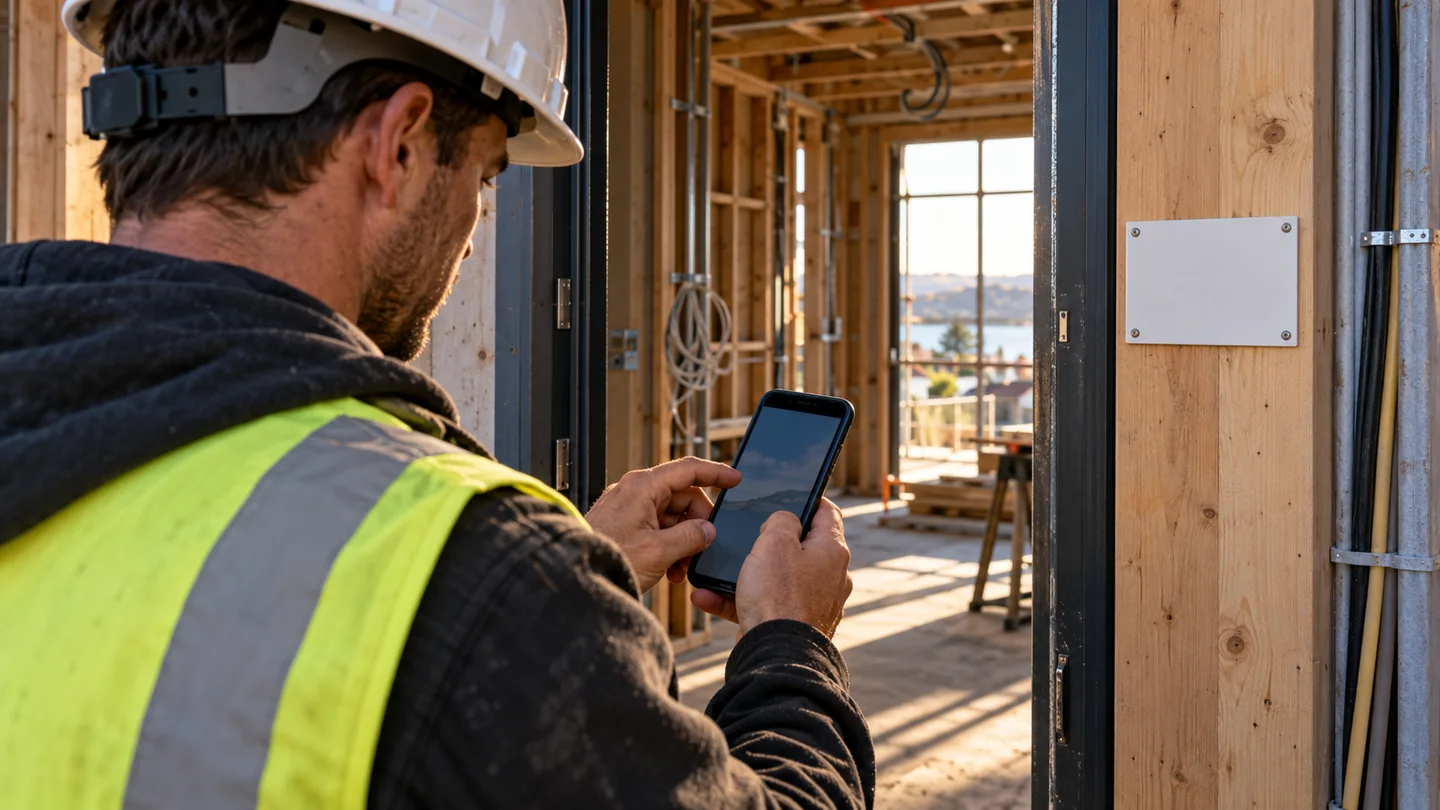

Finished work remains searchable by project, location and task. Keep warranties, equipment details, service contacts and approved lessons together. Reuse a checklist as new work with a fresh review for the next project.
The company controls access. A QR code or payment does not grant permission to private information. AI answers use authorized source records and leave approvals with the responsible people.
Set up the team, publish the approved documents and put the site QR where people need it. Measure finding time, repeat use and issue turnaround with your own project team.